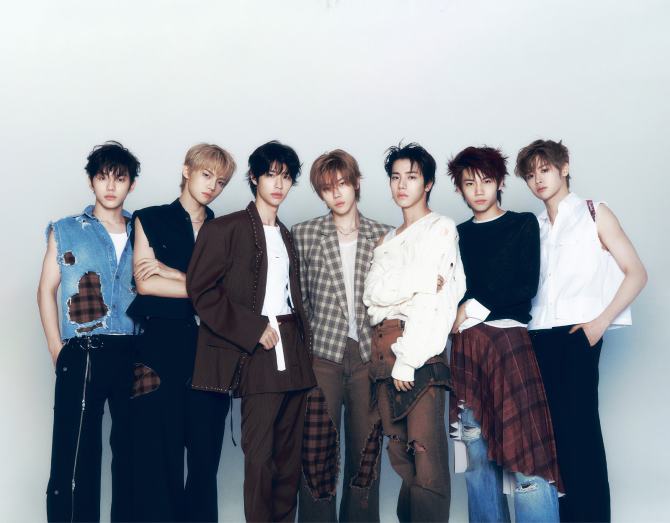
CLOSE YOUR EYES 1ST TOUR [BEYOND YOUR EYES] IN SEOUL Official Light Stick Sync Guide
Dear fans, This is UNCORE. We would like to inform you of the light stick performance and synchronization instructions for CLOSE YOUR EYES 1ST TOUR [BEYOND YOUR EYES] IN SEOUL. Please check the details below for more information. [BEYOND YOUR EYES IN SEOUL Official Light Stick Sync Guide] For this concert, we’ll be doing a special light stick show that’s controlled by seats! So don’t forget to sync your light stick through the CLOSE YOUR EYES official app 1. Download the official app, then tap CONCERT MODE. 2. Double-click the power button on your light stick to switch to Bluetooth mode, then tap Connect in the app. 3. Check the concert name and tap Enter Seat Info. 4. Choose the date of the concert. 5. Enter your exact seat info as shown on your ticket. 6. Wait while the light stick updates. 7. Once it’s done, double-click the power button again to re-enter Bluetooth mode and reconnect with the app. 8. Finally, check all the info one last time and tap Confirm — you’re all set! * Make sure to sync before entering the venue! * Don’t forget to pop in 3 fresh AAA batteries We kindly ask for your continued interest and support for CLOSE YOUR EYES. Thank you.